You quote a fixed price for a website project, the client says yes, and only halfway through do you work out what the job pays per hour.
The padding you added for surprises was folded into the line prices, so you cannot tell how much of the price was buffer and how much was work.
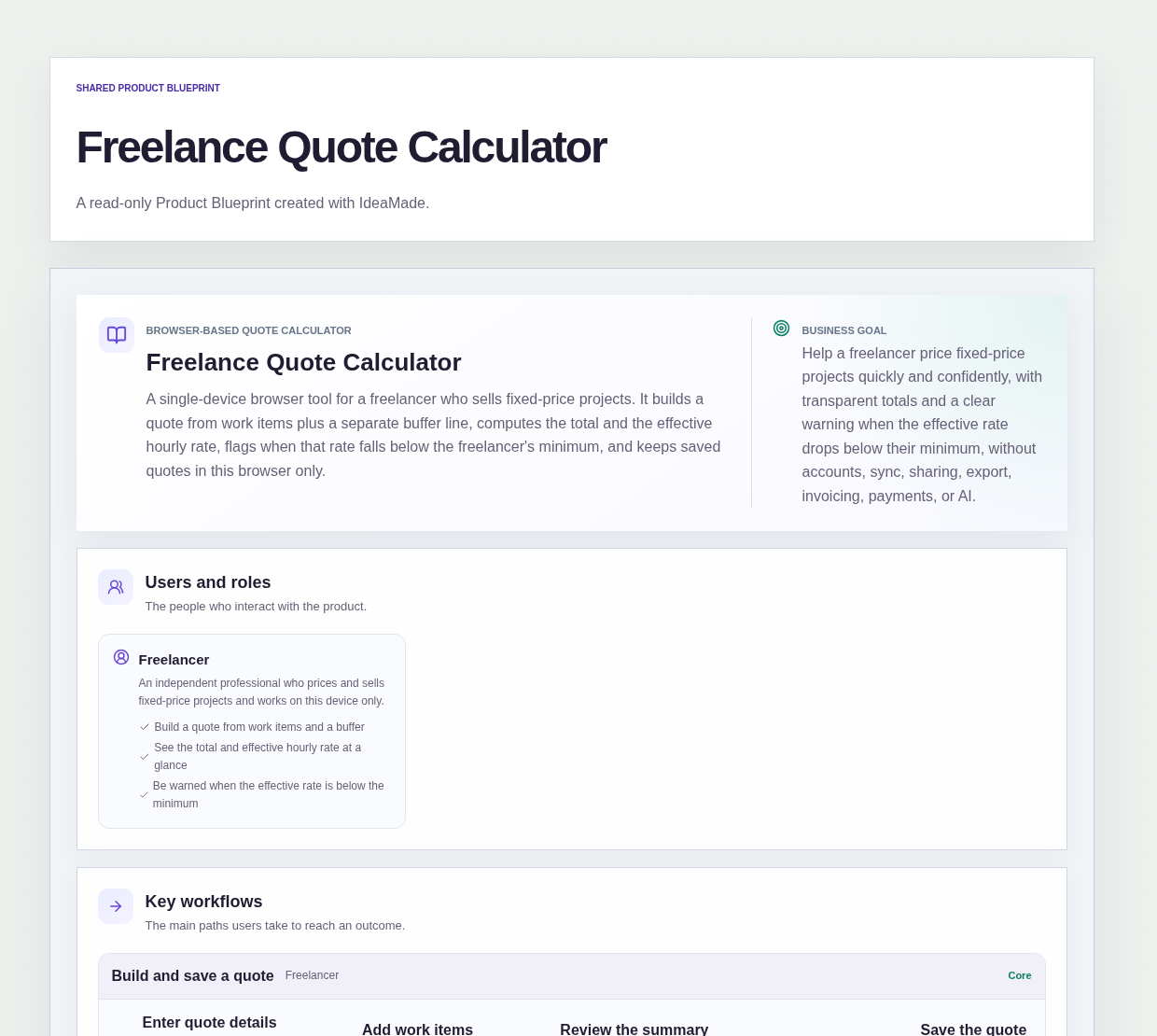
This sample blueprint is a freelance project quote calculator: you build a quote from work items, the buffer sits on its own line, and the summary shows the total and the effective hourly rate, with a flag when that rate falls below your minimum.
Who this is for
- Freelancers who sell fixed-price projects and estimate hours per task before quoting
- Independent professionals who want a buffer they can see, not one hidden in their prices
- Anyone who wants a warning before sending a quote that pays less than their minimum hourly rate
- Freelancers who price quotes in a spreadsheet and want the sums done for them
Sample blueprint, read-only. Open it with no sign-in. Select "Build this app with IdeaMade" at the bottom to open it in the blueprint editor, where you can change it and continue.
Building the app requires signing in.
The sample is a browser tool for one freelancer, working on one device.
There is no account and no sign-in: both pages are public.
Quotes are saved only in this browser on this device.
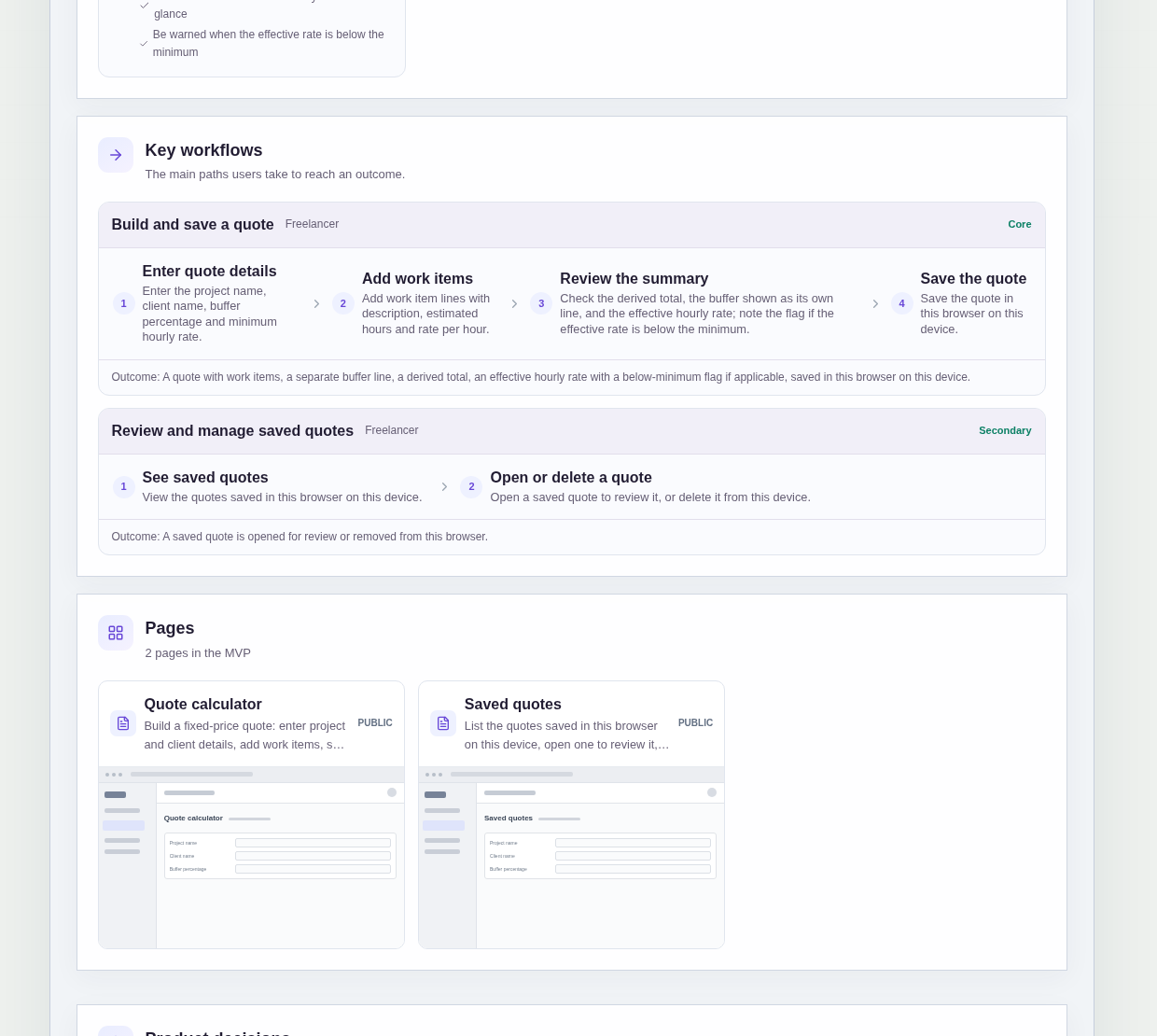
It has two pages:
- Quote calculator: enter the project and client details, add work items, set the buffer and minimum hourly rate, and review the summary
- Saved quotes: the quotes saved in this browser, where you open one to review it or delete it, with a pointer back to the Quote calculator when nothing is saved yet
A quote has a project name, a client name, a buffer percentage and a minimum hourly rate.
Each work item has a description, estimated hours and a rate per hour.
Sample data.
Pricing fixed-price work by hand goes wrong in a few familiar ways.
A line is changed and the total is not.
The buffer disappears into the work item prices, so it is cut first when a client pushes back.
The quote looks fine as a lump sum, but the hourly rate behind it is lower than you would ever accept.
The rules below keep every number on the quote traceable.
Example scenario: a freelance designer prices a website project. They add work items for discovery, design and build, each with estimated hours and a rate per hour, then set a buffer percentage and their minimum hourly rate. The summary shows the buffer on its own line, the total and the effective hourly rate. If the rate is below the minimum, the summary flags it, and the designer can rework hours or rates before saving the quote.
Here is how the app is set up.
The total is calculated from the work items and the buffer.
The quote total is derived from the work items plus the buffer.
When you change an hour estimate or a rate, the total follows.
That prevents a total that no longer matches the lines underneath it.
The buffer is shown as its own line.
You set the buffer as a percentage on each quote.
The summary shows it as a separate line, not hidden inside the work item prices.
That keeps your contingency visible, so you know exactly what you give up if you drop it.
The summary shows the effective hourly rate.
Next to the total, the summary shows what the quote pays per hour.
In the sample, buffer hours come from the buffer percentage and are included in that calculation; the blueprint marks this as an assumption to confirm.
That prevents a comfortable-looking lump sum from hiding a low hourly rate.
A rate below your minimum is flagged.
Each quote has a minimum hourly rate.
If the effective hourly rate falls below it, the summary clearly flags it.
That prevents you from saving a quote that pays less than your floor without noticing.
Quotes stay in this browser on this device.
The Quote calculator page says that quotes are saved only in this browser on this device.
Clearing browser data, or switching to another browser or device, means saved quotes are not available.
The sample has no account, cross-device sync, sharing, PDF export, invoicing, payments or client-facing links.
How do I calculate a fixed price quote for a freelance project?
List the work as items, each with estimated hours and a rate per hour, then add a buffer for the unknowns.
In this sample, the total is calculated from the work items plus the buffer, and the buffer appears as its own line.
The summary also shows the effective hourly rate, so you can see what the fixed price pays per hour before you save the quote.
What is an effective hourly rate on a fixed-price project?
It is what a fixed-price quote pays per hour once all the estimated time is counted.
In this sample, the summary shows the effective hourly rate next to the total, and the blueprint assumes buffer hours are included in the calculation.
If the rate falls below the minimum hourly rate you set on the quote, the summary flags it, so you can adjust before saving.
Where are quotes saved in this quote calculator?
Quotes are saved only in the browser you use, on that device.
This sample has no account or sign-in, and both pages are public.
The Saved quotes page lists what this browser holds, and you can open or delete each quote.
Clearing browser data, or using another browser or device, means those quotes are not available, and there is no sync, sharing or PDF export.
Can I build my own quote calculator without coding?
Yes, for a simple browser tool like this one.
With IdeaMade, you describe your quote fields, how the total and buffer work, and the pages you want in plain language.
IdeaMade turns that into a blueprint you can review and change before anything is built.
Then you build the app, preview it with test quotes, and check the numbers before you rely on it.
Copy this prompt, change the parts in brackets, and paste it into the blueprint generator:
Build a browser-based quote calculator for [a freelancer who sells fixed-price projects]. No sign-in; quotes are saved only in this browser on this device. A quote has a project name, client name, buffer percentage and minimum hourly rate. Work items have a description, estimated hours and rate per hour. Pages: Quote calculator (work items, buffer, minimum hourly rate and a summary) and Saved quotes (open or delete a saved quote). The total is calculated from the work items plus the buffer, and the buffer is shown as its own line. The summary shows the effective hourly rate and flags it when it is below the minimum. Do not add [accounts, sync, sharing, PDF export, invoicing or payments].