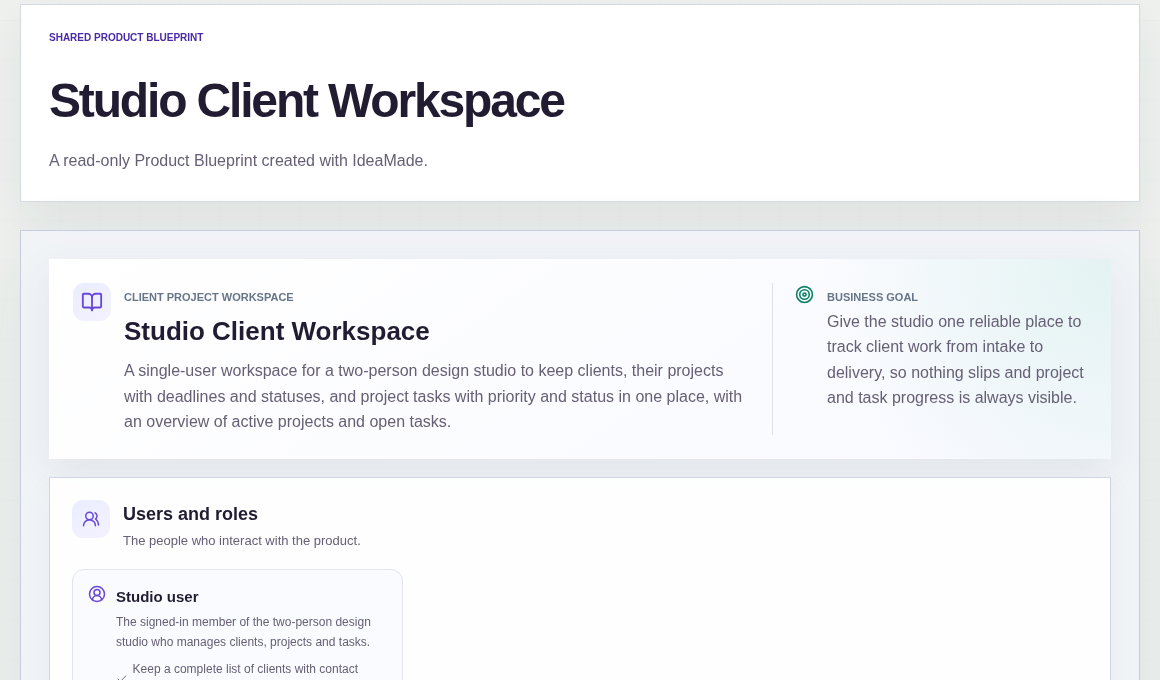
In a small design studio, client work often spreads across notes, chat threads and personal lists, so deadlines and open tasks are easy to miss.
This sample blueprint is a client project management app for a two-person design studio: clients, projects with deadlines and statuses, and tasks in one workspace.
Who this is for
- Independent designers and freelancers who manage several client projects at once
- Two- or three-person studios that want one place for clients, deadlines and tasks
- Consultants who need a simple internal tracker, not a client-facing portal
Sample blueprint, read-only. Open it with no sign-in. Select "Build this app with IdeaMade" at the bottom to open it in the blueprint editor, where you can change it and continue.
Building the app requires signing in.
The sample is a single-user workspace.
One signed-in studio user manages clients, projects and tasks.
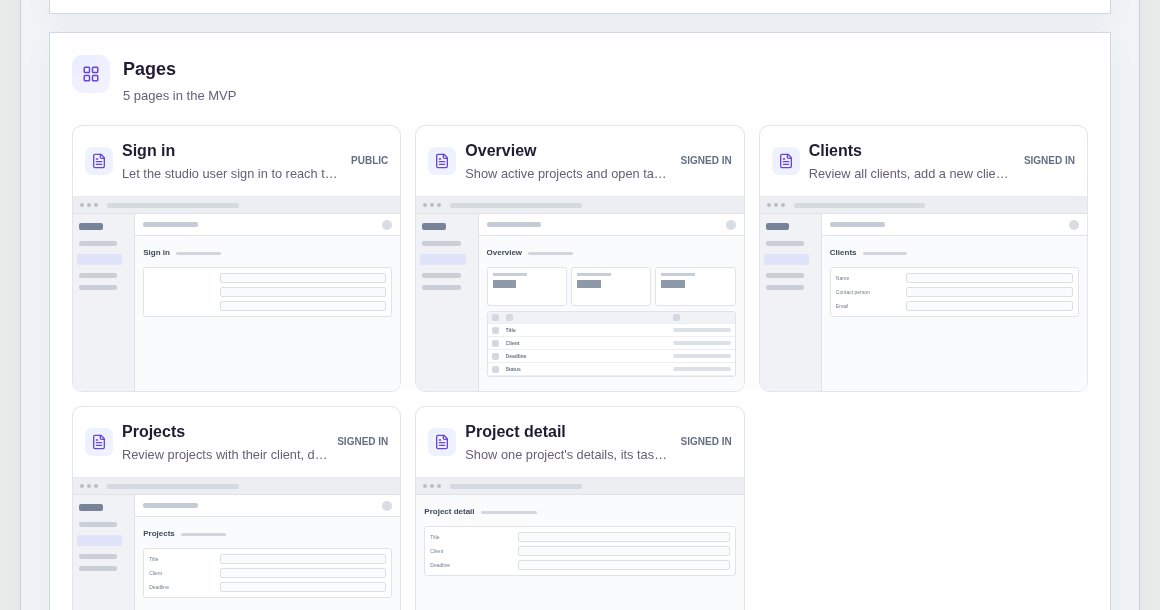
It has five pages:
- Sign in: so the studio user can reach the workspace
- Overview: active projects and open tasks at a glance, with guidance to add a client and create a project when the workspace is empty
- Clients: the full client list, with a form to add a client and edit existing ones
- Projects: every project with its client, deadline and status, plus a way to create a new project for a client
- Project detail: one project's details and its tasks, where you add tasks and update task and project status
A client has a name, contact person, email and optional notes.
A project belongs to a client and has a title, a deadline and a status: Not started, In progress or Delivered.
A task belongs to a project and has a title, a priority and a status: To do, In progress or Done.
Sample data.
Without one workspace, a small studio hits the same few problems.
A project lives in someone's head, so the other person cannot see the deadline.
Tasks are finished, but nobody updates the project, so delivery status is wrong.
A delivered project needs a small fix, and there is nowhere to reopen it.
The sample rules below keep clients, projects and tasks linked, and keep status honest.
Example scenario: you add a coffee brand as a client, create "Brand identity refresh" with a deadline, then break it into tasks such as logo options and packaging drafts.
Here is how the app is set up.
Every project belongs to a client.
You pick the client when you create the project.
That stops orphan projects with no owner in the client list.
Tasks belong to one project.
You add a task on the project detail page, with a title and a priority.
Open work stays under the project it belongs to, not in a separate list.
Task status moves between To do, In progress and Done.
You update it on the project detail page as the work advances.
Project status is Not started, In progress or Delivered, and you set it yourself.
This was a confirmed product decision in the sample.
Finishing every task does not automatically mark the project Delivered.
You decide when the work is truly delivered.
A Delivered project can be reopened.
Status moves forward from Not started to In progress to Delivered, and a Delivered project can go back to In progress.
For example, a small post-delivery tweak does not need a brand-new project.
The overview shows active projects and open tasks.
From there you can open any active project.
When the workspace is empty, the page guides you to add a client and create a project first.
Version one is one signed-in studio user.
There are no team invitations or per-user permissions in this sample.
The workspace is for you (and a shared account if you choose), not a login portal for clients.
What should a client project management app include?
At minimum: a client list with contact details and notes, projects linked to each client with a deadline and status, and tasks linked to projects with priority and status.
An overview of active projects and open tasks helps you see what needs attention.
This sample is an internal tracker for the studio, not a client portal with client logins.
Is a client portal the same as a client project tracker?
No.
A project tracker is for you and your studio to manage delivery.
A client portal gives clients their own login to view progress, files or invoices.
This sample does not include client logins, file uploads or invoicing.
How should project status work in a small studio tracker?
In this sample, you set project status manually: Not started, In progress or Delivered.
It does not change automatically when tasks move to Done.
A Delivered project can be reopened to In progress if work comes back.
That keeps delivery status honest when tasks finish ahead of a real handoff.
Can I build a client project management app without coding?
Yes, for a clear internal process.
With IdeaMade, you describe your clients, projects, tasks and statuses in plain language, review a generated blueprint, then build and preview the app.
You still check that pages, data and workflows behave correctly before you rely on it.
Copy this prompt, change the parts in brackets, and paste it into the blueprint generator:
Build a client project workspace for [a two-person design studio]. Clients have a name, contact, email and notes. Each project belongs to a client, has a deadline and a Not started / In progress / Delivered status. Tasks belong to projects with a priority and status. Show active projects and open tasks on an overview. One signed-in user for now. Project status is set manually and a Delivered project can be reopened. No uploads or email notifications yet.