When you sell yourself, leads often live in a spreadsheet, a notes app or a half-remembered chat, so the next follow-up is easy to miss.
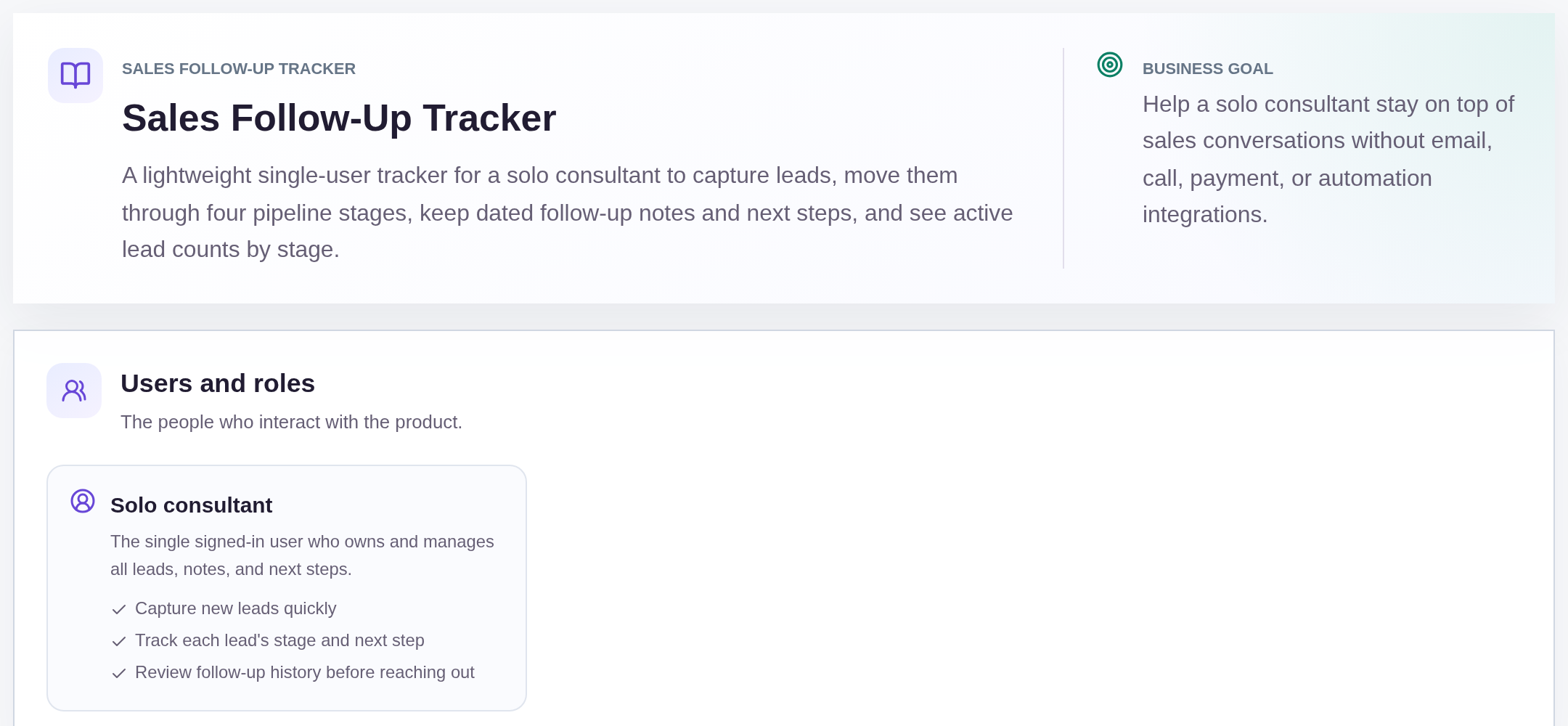
This sample blueprint is a lightweight sales follow-up tracker for a solo consultant: contacts, a four-stage pipeline, dated notes and a next step on every lead.
Who this is for
- Solo founders and consultants who sell their own work
- Two- or three-person teams that need a simple pipeline, not a full CRM
- People who outgrew a spreadsheet but do not need email sync or sequences yet
Sample blueprint, read-only. Open it with no sign-in. Select "Build this app with IdeaMade" at the bottom to open it in the blueprint editor, where you can change it and continue.
Building the app requires signing in.
The sample is a single-user workspace.
One signed-in solo consultant owns every lead, note and next step.
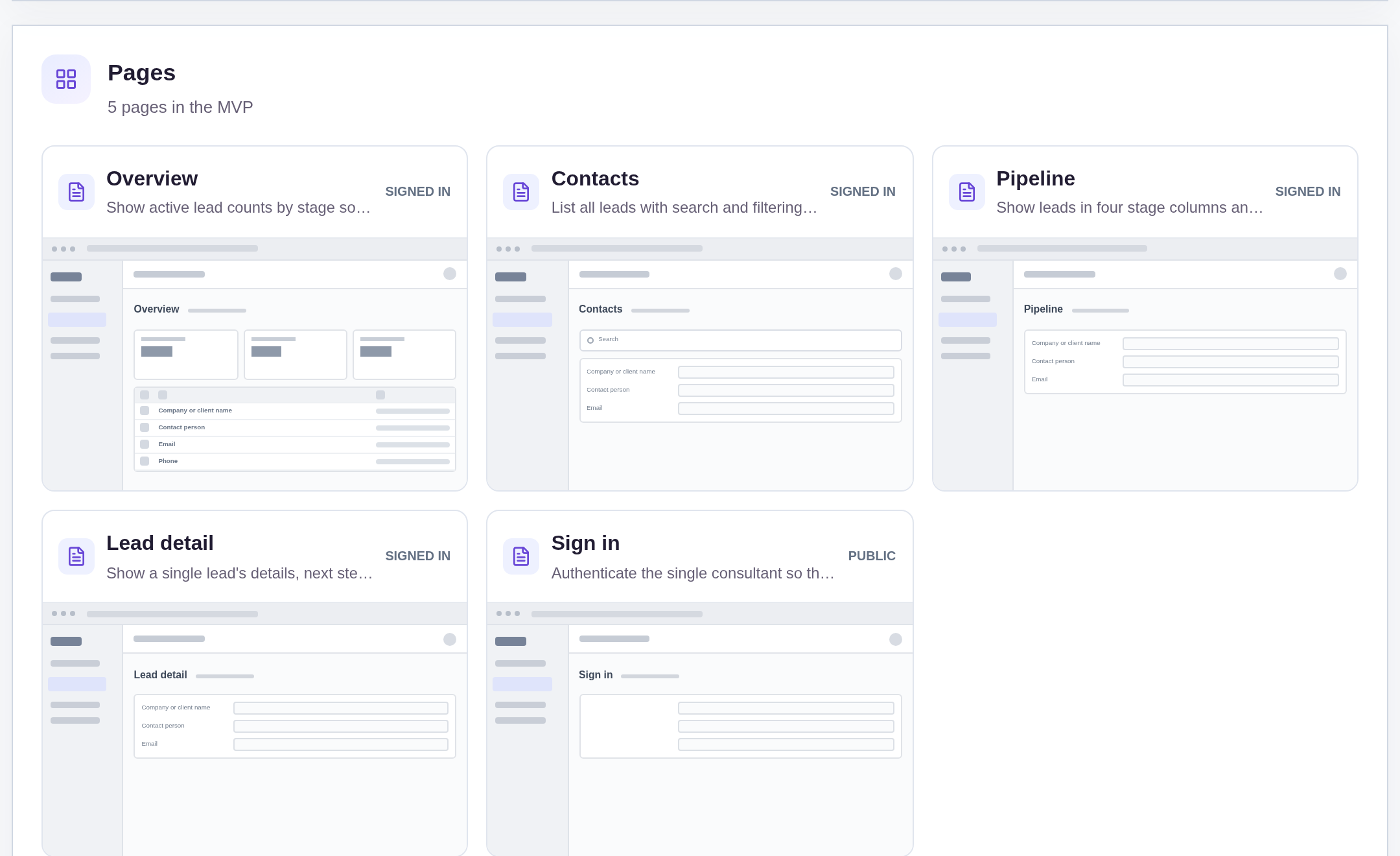
It has five pages:
- Sign in: so the consultant's lead data stays private
- Overview: active lead counts by stage, and a nudge to add the first lead when the list is empty
- Contacts: every lead with search and filtering, and the place to add a new one
- Pipeline: leads in four stage columns, where you move a lead by hand
- Lead detail: one lead's fields, dated follow-up notes and next step
A lead has a company or client name, contact person, contact details (email or phone), source, expected value, assignee as free text, and a stage: New, In conversation, Won or On hold.
Each lead also has dated follow-up notes and a next step.
Sample data.
Without a tracker, founder-led sales hit the same few problems.
You remember a good call, then forget what you promised to do next.
A lead sits in "talking" for weeks with no dated history.
Won deals clutter the view of who still needs a reply.
The sample rules below keep every lead staged, dated and actionable.
Example scenario: a warm intro arrives from a past client. You add the company, set the stage to New, write "Send proposal by Friday" as the next step, then log the first call as a dated note.
Here is how the app is set up.
Every lead has a stage: New, In conversation, Won or On hold.
You move the stage yourself on the pipeline board.
Nothing auto-advances a lead after a note or a date.
Active overview counts exclude Won.
This was a confirmed product decision in the sample.
The overview counts New, In conversation and On hold, so closed wins do not hide who still needs follow-up.
Follow-ups are dated notes, not emails from the app.
You open the lead detail page and record what happened with today's date.
There is no inbox sync, no send button and no call integration in this sample.
Every lead can carry a next step.
After a call or meeting, you update the next action on that lead.
That field is what tells you who to contact tomorrow.
Contacts stay searchable.
The contacts page lists every lead and supports search and filtering, so you can find a company or person without scrolling the board.
One signed-in consultant owns the data.
There are no teams, sharing or per-user permissions in this sample.
The workspace is a personal sales tracker, not a multi-seat CRM.
What is the simplest CRM setup for a founder doing sales?
A contact list, a pipeline with a few stages such as New, In conversation, Won and On hold, dated notes for each conversation, and a next step on every lead.
That is enough to know who to follow up with.
Add email sync or automations only when manual tracking stops working.
What fields should a sales follow-up tracker have?
Lead or company name, contact person and details, source, expected value, owner, stage, a log of dated follow-up notes, and the next step.
Keep it short.
Every extra field is one more thing you must update after each call or meeting.
Can I build my own CRM without coding?
You can build a lightweight one.
Describe your stages, fields and views in plain language, review the generated blueprint, then build and preview it in an AI app builder such as IdeaMade.
Email sync, calling and payment integrations are not in this sample, so a full CRM may suit those needs better.
Spreadsheet or a simple tracker for early-stage sales?
A spreadsheet works for a handful of leads.
It breaks down when you need a reliable next-step list, a history of conversations per lead and a pipeline view.
A simple tracker app gives you those without the setup of a full CRM.
Copy this prompt, change the parts in brackets, and paste it into the blueprint generator:
Build a lightweight sales follow-up tracker for [a solo consultant]. Leads have a company, contact person, email, source, expected value and a stage: New, In conversation, Won or On hold. Each lead has dated follow-up notes and a next step. Show a pipeline board and counts by stage. One signed-in user. Do not send emails or connect calls or payments.