
Generate and read your app’s user guide
On this page
Builder can create a user guide from a saved app version, covering setup, everyday tasks, and common questions. Open “App overview” and choose “User guide” to generate or read the guide for the version you are previewing.
Choose the version to read about
Each saved app version has its own guide. Check the version number at the top of Builder. Select the current editing version to read its instructions, or open Version history and select Preview for an older version.
Generate a user guide
- Select “App overview” at the top of Builder.
- Choose “User guide.”
- Check the version number at the top of the guide, then select “Generate user guide.”
- Wait for the guide to finish. You can close the window and return to the same version's User guide later.
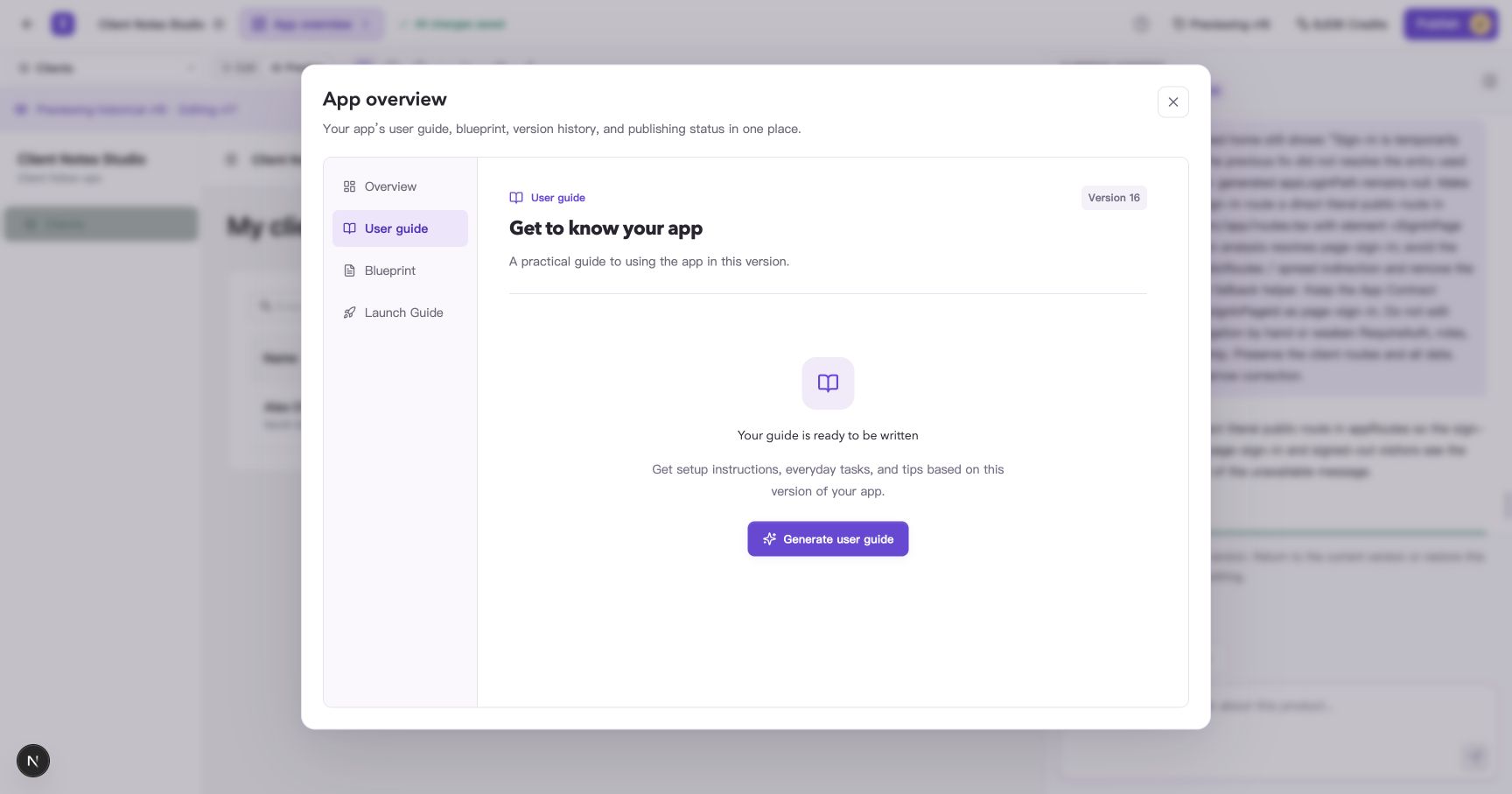
Generate a guide for the version you are viewing.
Once ready, the guide shows an introduction, a generation date, and a contents list. Reopening the guide for the same version and interface language loads the saved content.
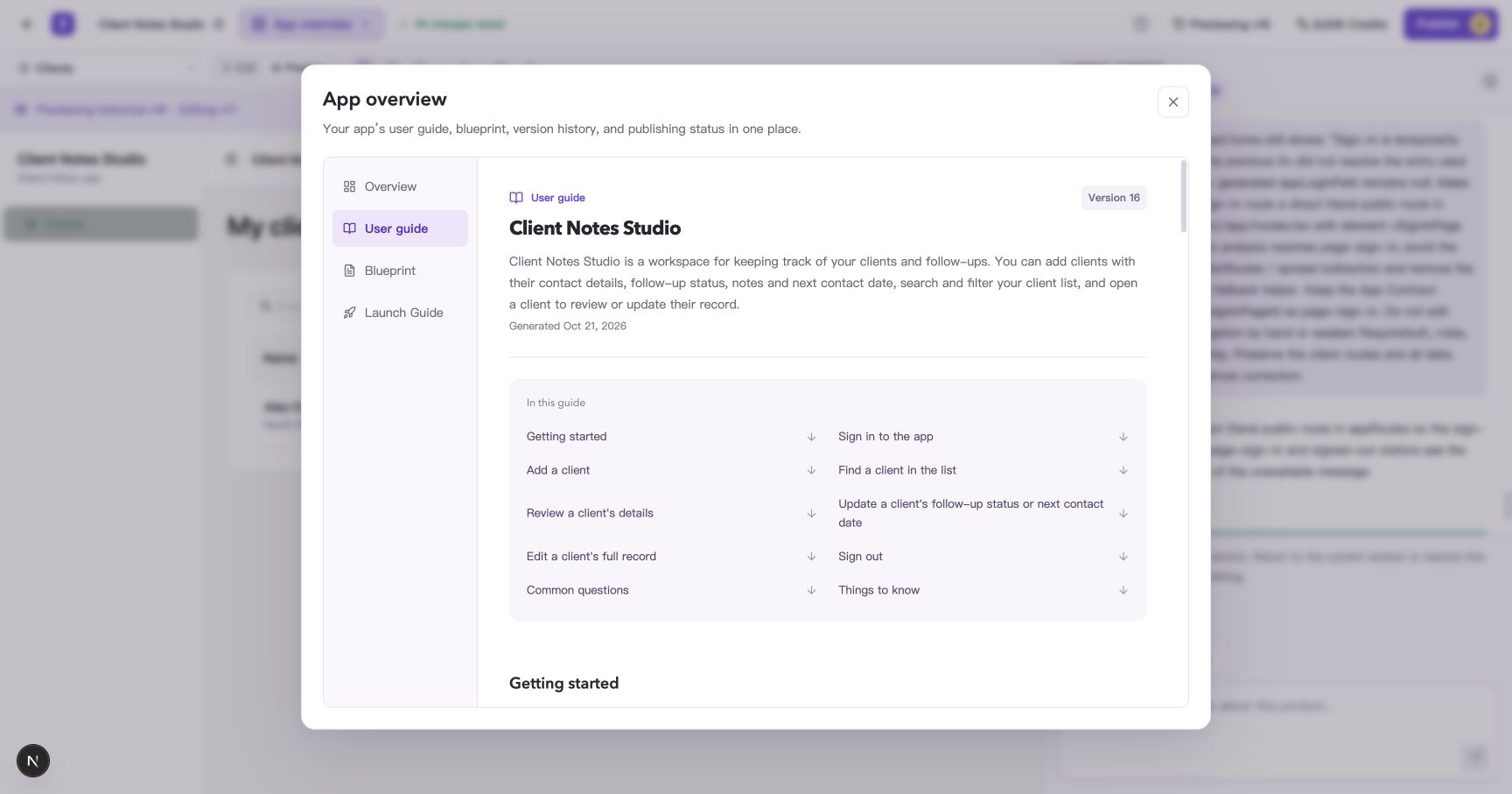
Tasks reflect the app's implementation, such as adding clients, finding records, and updating details.
Find instructions for a task
Select a task in “In this guide” to jump to its section. Each task can include the intended user, prerequisites, steps, and the expected result.
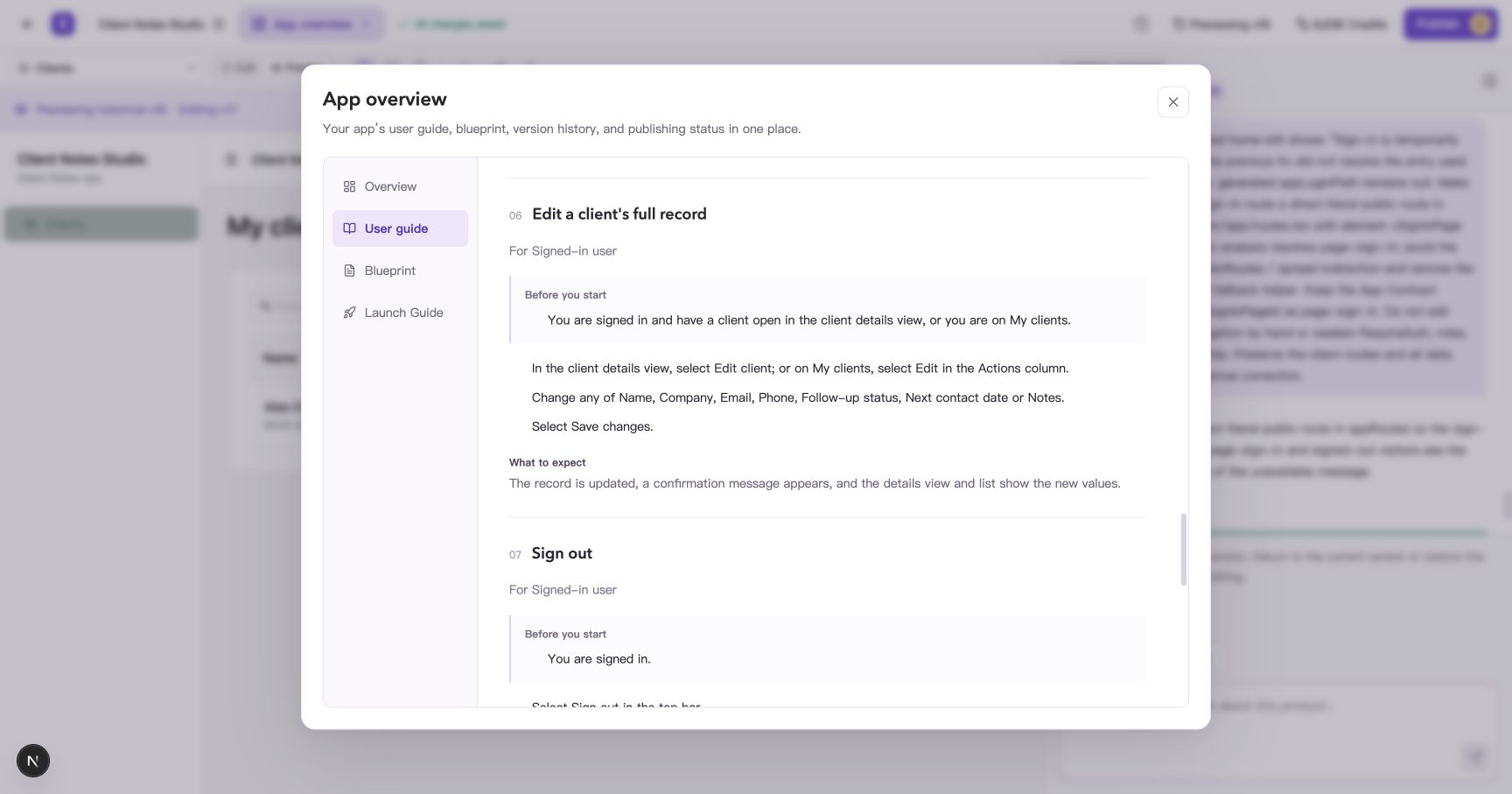
Use the contents list to reach the task you need. Section names depend on your app.
After reading, close App overview, switch to “Preview,” and try the steps. For example, select a client's name in the list to open their details and find the editing controls.
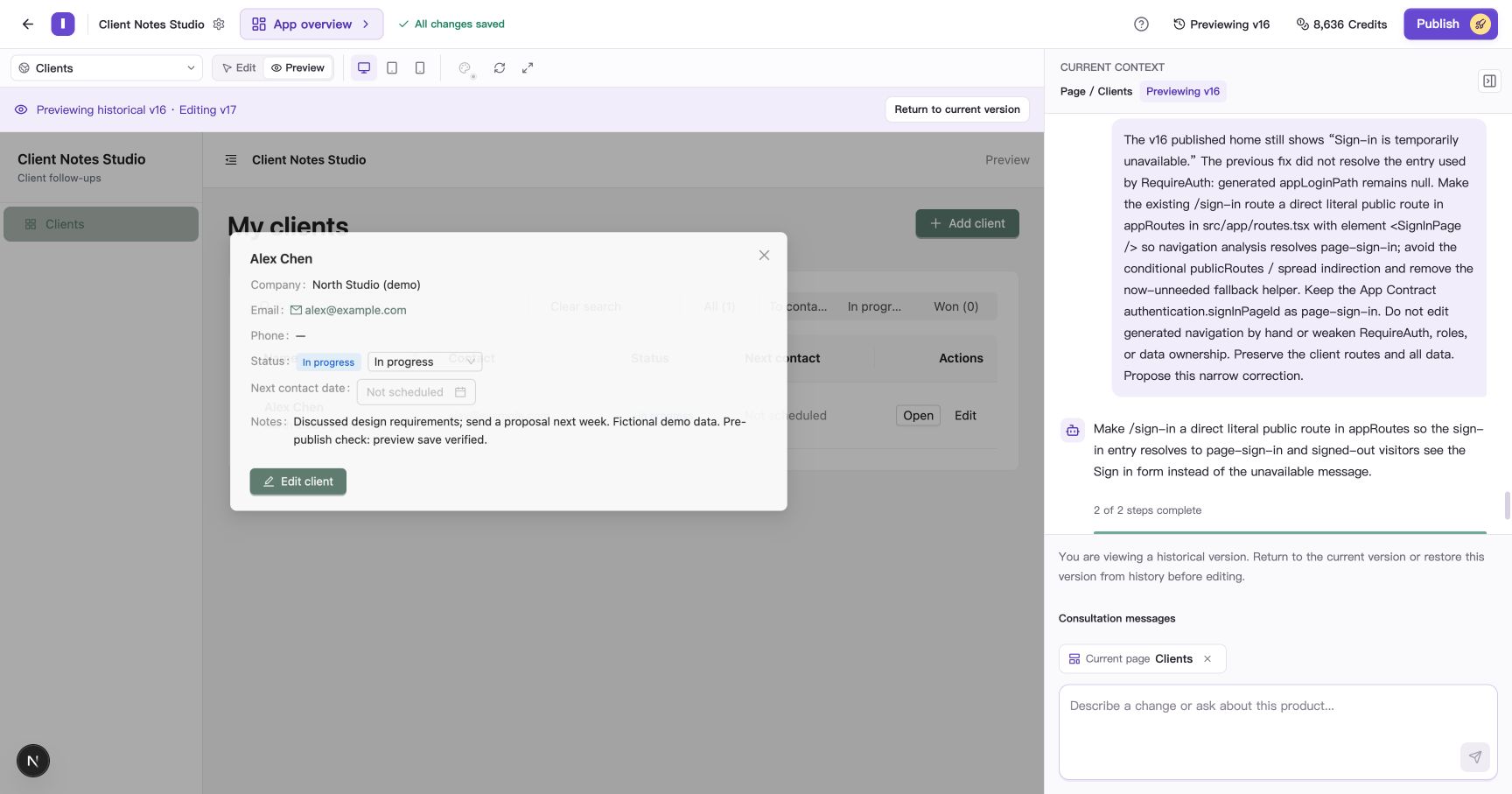
Check the actual controls in your app. This example uses fictional client information.
If the guide’s steps differ from the page, request a change with the version number, what you did, and the result you expected.
Read another version's guide
Close the guide, open Version history, and select “Preview” for another version. Return to “App overview → User guide.” The guide's version number changes with your selection.
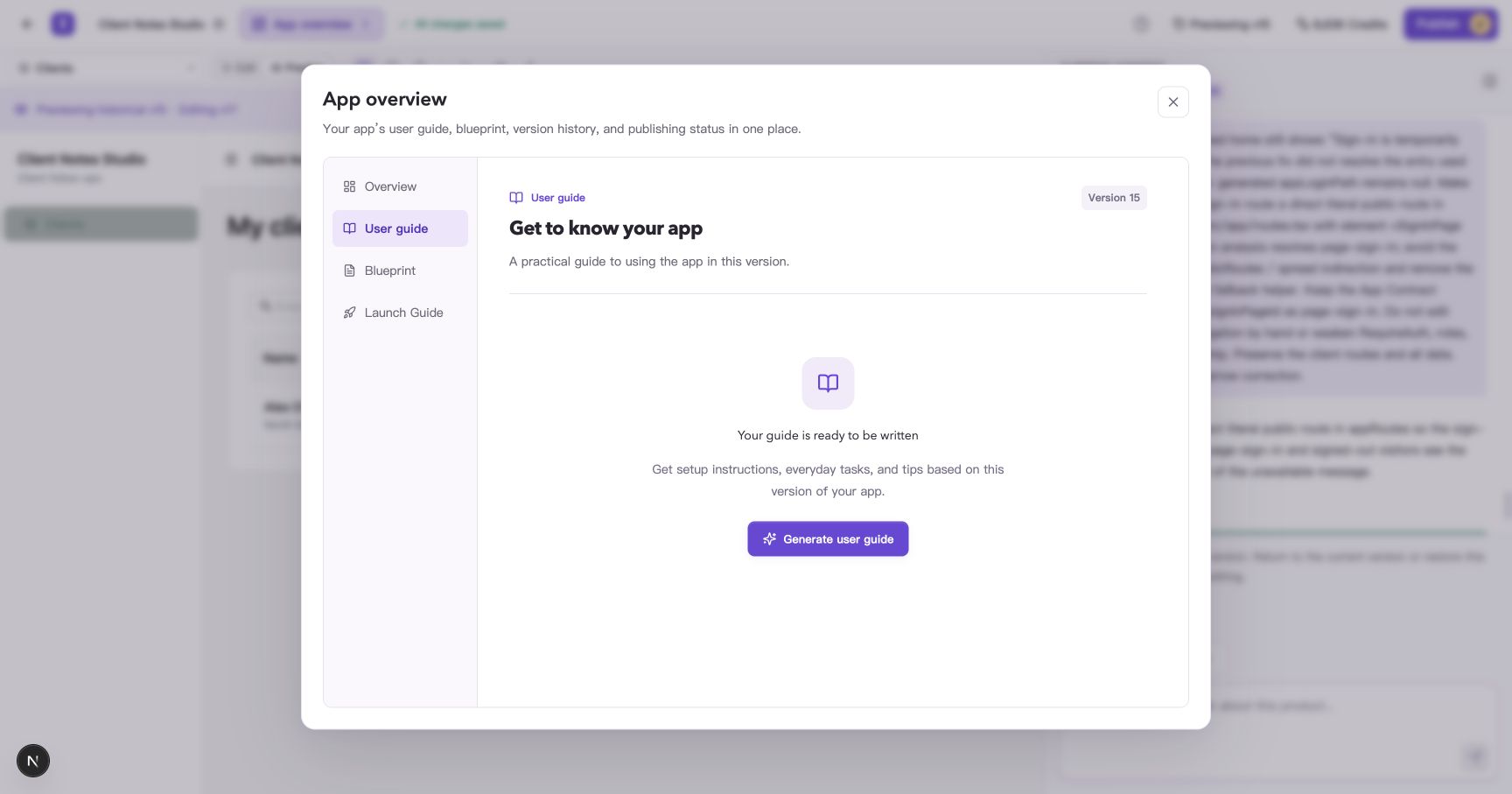
Each version keeps its own guide. A version whose guide has not been generated shows a generation button.
When finished, close the window and select “Return to current version.” Opening User guide again loads that version's saved guide, if one is available.
Common questions
How do I get instructions after changing my app?
Wait for the changes to be saved as a new version, select that version, and open User guide. Select Generate user guide to create its instructions the first time you read it.
Why does the page ask me to build the app first?
Guide generation needs a saved, previewable app version. Complete the app's generation, then return to App overview → User guide.
What should I do if loading or generation fails?
For a loading error, select “Try again.” For a generation error, read the message and select “Try generating again.” If it continues to fail, contact support with the project, version number, and message shown.
Who can generate and read a guide?
Members with project write access can generate guides. Read-only members can read saved guides and ask a project editor to generate a new one.