
Describe your app idea
On this page
Start with who will use the app and the work they need to do. IdeaMade turns that description into a Product Blueprint. Focus the first version on its core purpose, then refine page details as you review the Blueprint and try the app.
Prepare a clear request
Start with a small task that makes sense on its own. Include these details:
| Detail | Client follow-up example |
|---|---|
| Users and goal | Freelance designers who want to keep client information and follow-ups in one place. |
| Main actions | Add and edit clients, search by name, and filter by follow-up status. |
| Information to record | Client name, company, contact details, follow-up status, and notes. |
| First version | A client list and client details. |
| Out of scope for now | Automatic reminders and payments. |
Describe business outcomes. “After saving, I can find the client in the list” is easier to check than “make it clean and powerful.” Include rules you have decided on and say when something is still undecided.
Enter your idea in a new project
-
Select New project from the projects list.
-
Enter your request in What do you want to build?. Replace the name and business details in this example as needed:
Create a client follow-up tool for freelance designers called “Client Notes.” I want to record client name, company, contact details, follow-up status, and notes. Support adding and editing clients, name search, and filtering by status. Start with a client list and client details. Do not include automatic reminders or payments yet. Use English for the app.
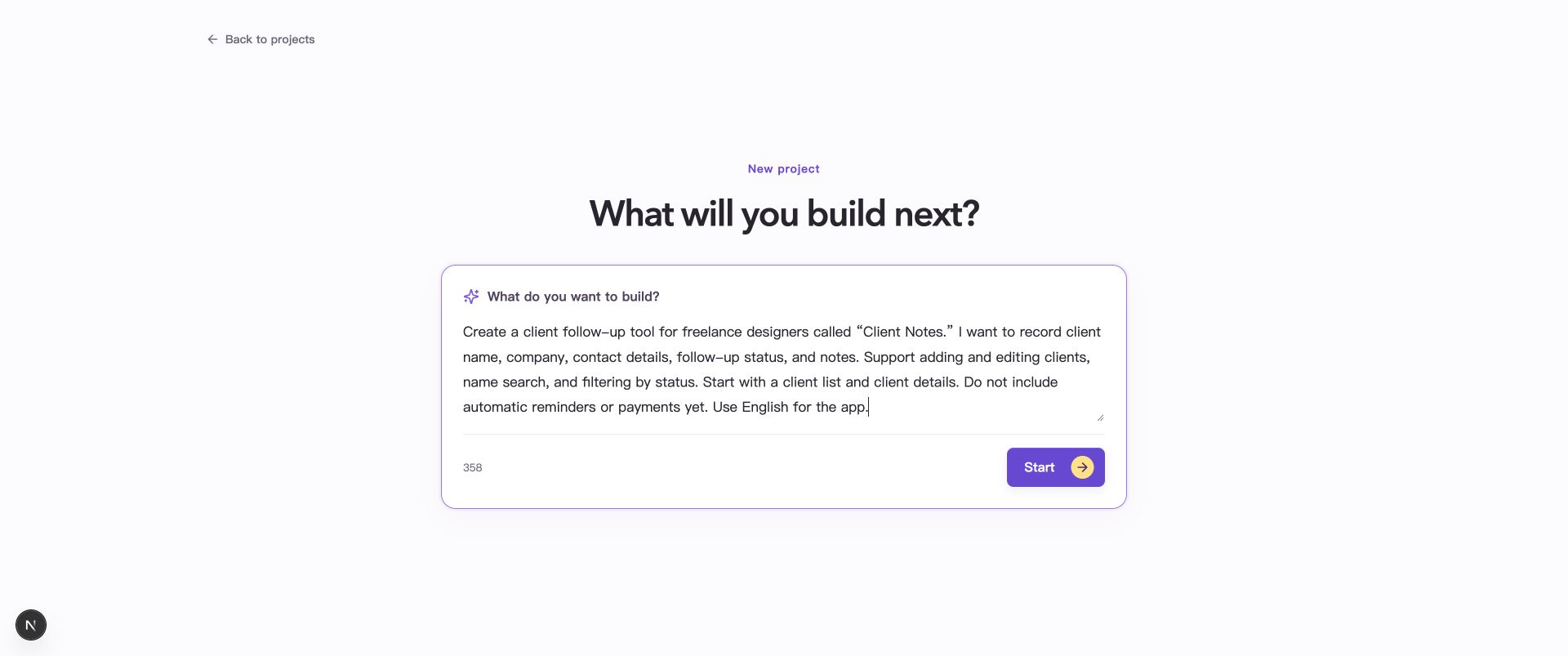
Describe the users, main actions, information to record, and first-version scope before selecting Start.
-
Select Start. The Blueprint page progressively displays the product information IdeaMade has understood.
-
If clarification questions appear, answer them for your business and update the Blueprint. See Answer clarification questions and update your Blueprint.
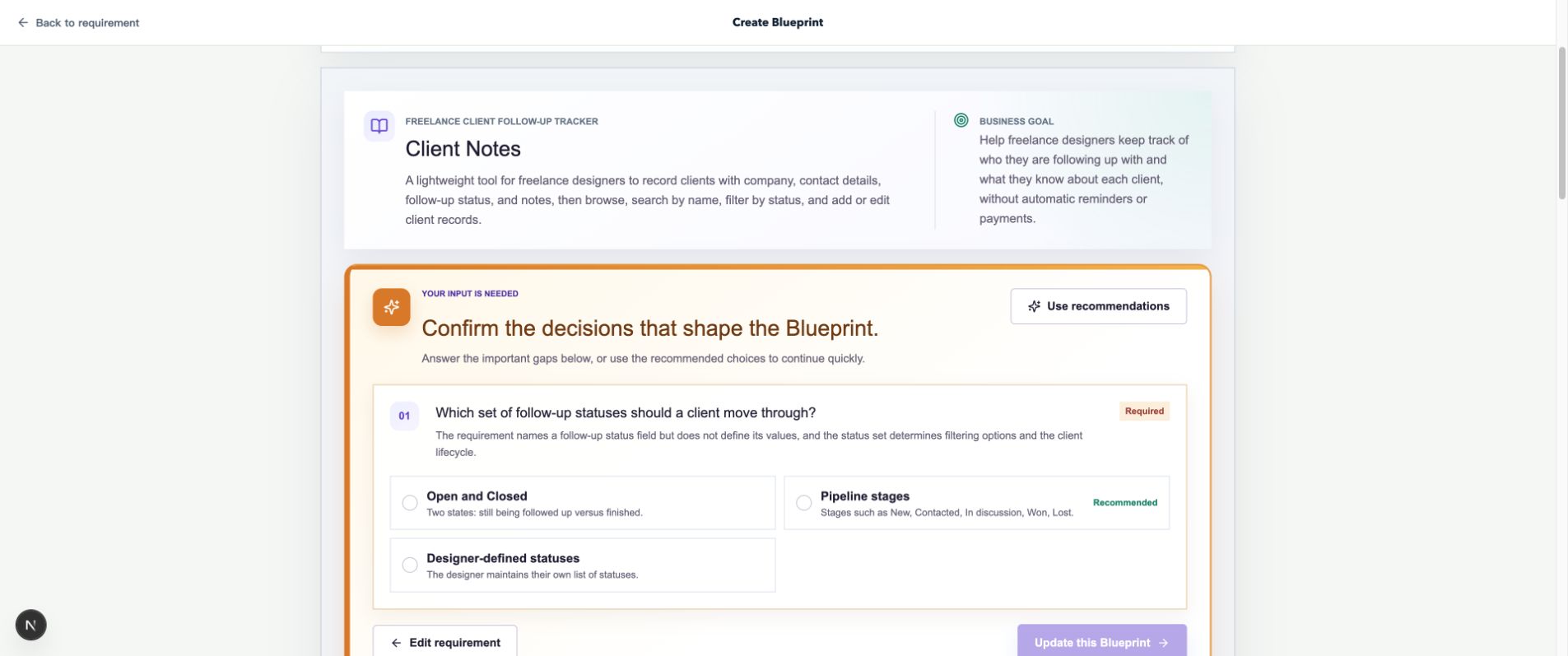
IdeaMade has drafted the product overview and asks about a choice not specified in the request. Questions depend on your description.
Check that the Blueprint matches your intent
Review the overview, users, workflows, and pages to check that they cover what the first version needs to do. Then read the product decisions and assumptions, filling in gaps or correcting misunderstandings.
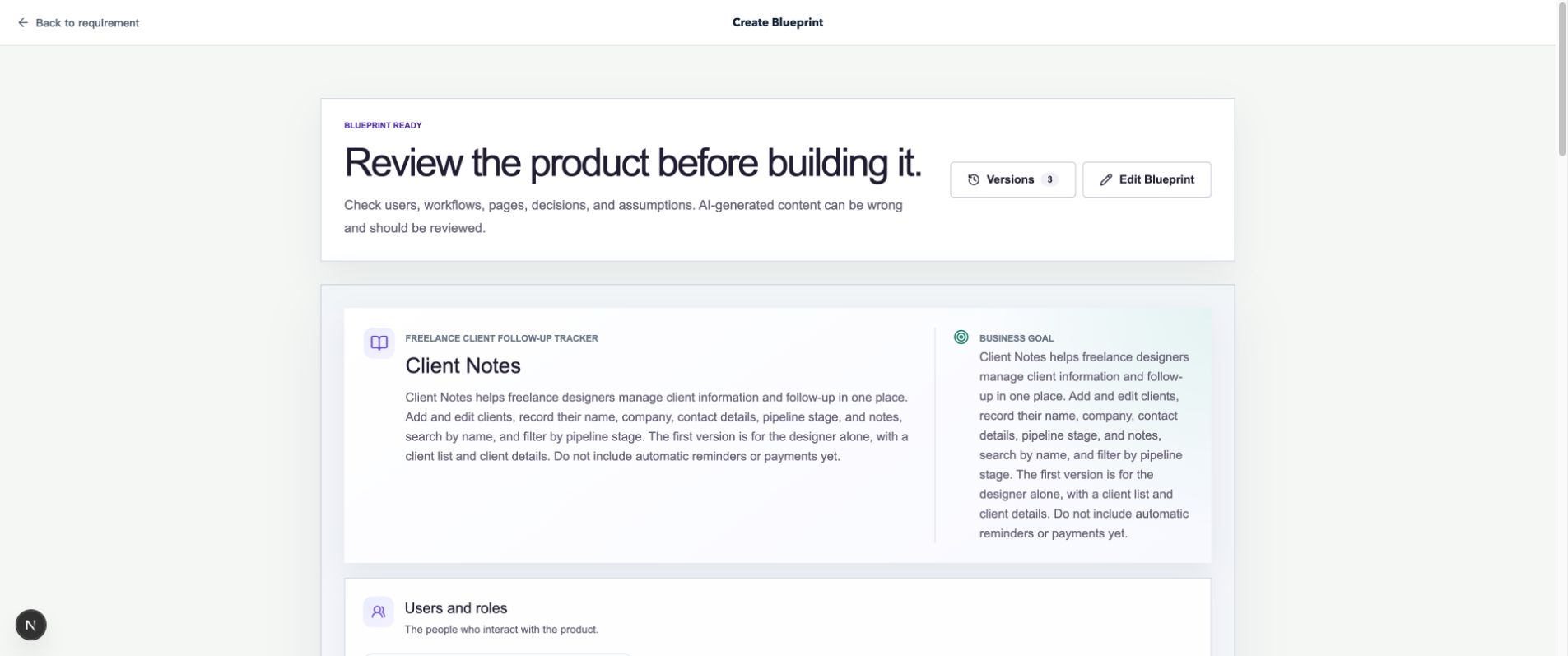
Review the product overview and business goal, then use Edit Blueprint if needed.
Use the Blueprint’s page sketches to review the page structure. Once the requirements are ready, follow Create your first app to generate the app in Builder, then try its buttons, forms, and workflows in preview.
When your idea changes
To change a name, refine the goal, or add a requirement, edit the existing Blueprint manually or request an AI proposal.
State what to add and what to preserve. For example:
Add an optional next contact date and show it in the client list. Keep the existing client information and status filter. Do not send reminders yet.
Common questions
How much detail should my first request include?
Start with the core purpose, main actions, and important rules. The Blueprint helps organize the details. Be specific about access permissions, required information, and any other requirements you have already decided on.